 Leaving your office unlocked at the end of the day with the filing cabinets wide open sounds crazy. Yet many small and medium-sized businesses run under this exact model with their digital storage every day.
It usually starts with good intentions. When a company is small, sharing logins and granting full access to every folder feels efficient. It cuts red tape and keeps tech support from being bothered for everyday files. Unfortunately, as your team grows, an open-door digital policy morphs into a serious threat to your operational stability and bottom line.
What Does Unrestricted Access Really Look Like?
Giving everyone total access is a failure to follow the Principle of Least Privilege. The rule itself is simple: employees should only have access to the specific data and tools required to do their daily jobs and nothing more.
When this principle is ignored, a few common vulnerabilities pop up:
- Entry-level staff can view sensitive payroll records or executive information.
- Every user has administrator rights, allowing them to download unverified software or alter network settings.
- Internal files sit in sprawling shared drives where confidential client data lives right alongside public templates.
The Hidden Hazards
When everyone has access to everything, a single mishap can impact your entire business.
Cybersecurity Amplification
Phishing emails are the primary way cybercriminals target businesses. When an employee clicks a malicious link, malware runs using that specific user's permission levels. If their access is limited, the threat is easily contained. If they have access to the entire network, ransomware can lock down every server and cloud drive you own in minutes.
Accidental Data Erasure
Not all data disasters are malicious—human error happens daily. Without access boundaries, an employee clearing out old files might accidentally delete a core financial model or overwrite a key project database, costing days of lost productivity.
Internal Data Theft
While we prefer to trust our teams, departing employees present a real risk. Unrestricted access makes it easy for someone leaving the company to copy client lists, intellectual property, or strategic plans onto a personal device before walking out the door.
Debunking Common Access Misconceptions
Business leaders often hesitate to restrict file access because of a few common myths:
"Restricting access means I don't trust my team."
Access control isn't about distrust; it's about containment. Setting up clear boundaries protects your employees from being falsely implicated if their credentials are ever compromised.
"Permissions will slow down our daily operations."
Modern access setups are virtually seamless. When employees only see the folders they need, it eliminates clutter and helps them find files faster.
"We are too small to be a target for hackers."
Attackers actively target SMBs precisely because they tend to lack basic access controls, making them easy targets for automated breaches.
A Smarter Approach to Digital Security
Tightening security doesn't mean building a wall of frustration around your systems. Implementing structured access yields immediate operational benefits:
- Role-Based Access Control - Permissions are mapped directly to job roles (like HR, Sales, or Accounting). New hires instantly receive the exact access they need on day one.
- Zero-Trust Verification - Requiring Multi-Factor Authentication (MFA) ensures that a stolen password alone isn't enough to compromise your entire network.
- Seamless Offboarding - When an employee leaves, revoking their single master profile instantly closes access across every platform, closing dangerous backdoors.
Managing permissions requires continuous oversight as project scopes change and teams evolve. Putting smart access boundaries in place ensures an isolated mistake won't freeze your operations.
Is Your Business Data Fully Protected?
Unsure who currently holds administrative privileges or access to your critical cloud drives? Reach out to our expert team today at (304) 781-3410. We'll help you identify hidden vulnerabilities, organize user roles, and secure your systems without interrupting your team's daily workflow.
 Imagine walking out of your office at the end of the day. You check that the front door is locked, ensure the windows are shut, and set the alarm. You can physically see these security measures keeping your business safe, but what about the back door to your digital network?
 operations of modern businesses. From automating repetitive administrative tasks to generating insightful data analytics and drafting communications, AI tools offer unprecedented productivity gains. For small and medium-sized businesses (SMBs), these innovations level the playing field, allowing leaner teams to compete with larger enterprises.
 Think about your morning routine. You sit down with your coffee, open your inbox, and start clearing out the noise. Among the newsletters and internal updates, you see an urgent notification: a vendor invoice is overdue, a cloud storage subscription failed to renew, or a major shipping provider needs you to confirm delivery details.
 You Can’t Manage What You Can’t See
 Dependable IT support is essential for all firms in the current digital world. Having the right technology in place is crucial to remain efficient, secure, competitive, or current in your field. In the end, you also need competent In-House IT specialists to manage all these technological requirements.
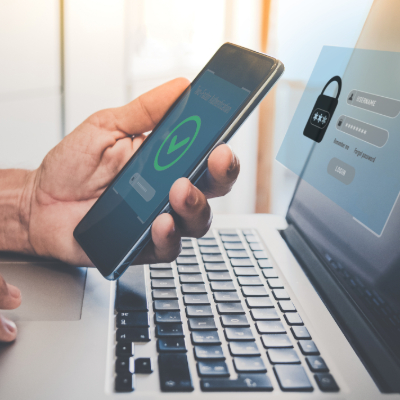 Every business owner understands the importance of physical security—locking the doors, setting the alarm, and controlling who has a key to the office… but, what about your digital assets? Your customer records, financial data, and intellectual property are far more valuable than the office furniture, yet often lack the same level of protection.
 Microsoft Copilot is an AI assistant seamlessly integrated into the Microsoft 365 apps your business already uses. Think of it as a highly capable assistant sitting in on your meetings and helping with your daily tasks, but without the overhead. Instead of sifting through hours of meeting recordings or long email threads, Copilot does the heavy lifting, helping your team focus on what really matters. It's designed for small to medium-sized businesses that want to boost productivity without a steep learning curve.
 AI is quietly changing the game for businesses in 2025—but not everyone is ready. Some business owners are already seeing massive growth from AI-driven insights and automation, while others don’t even realize they’re falling behind. If you're running a business in the Tri-State Area, you've likely heard lots of buzz about AI. Maybe you dismissed it, thinking it’s just for big tech companies, but guess what? It’s a lot more accessible than you think!
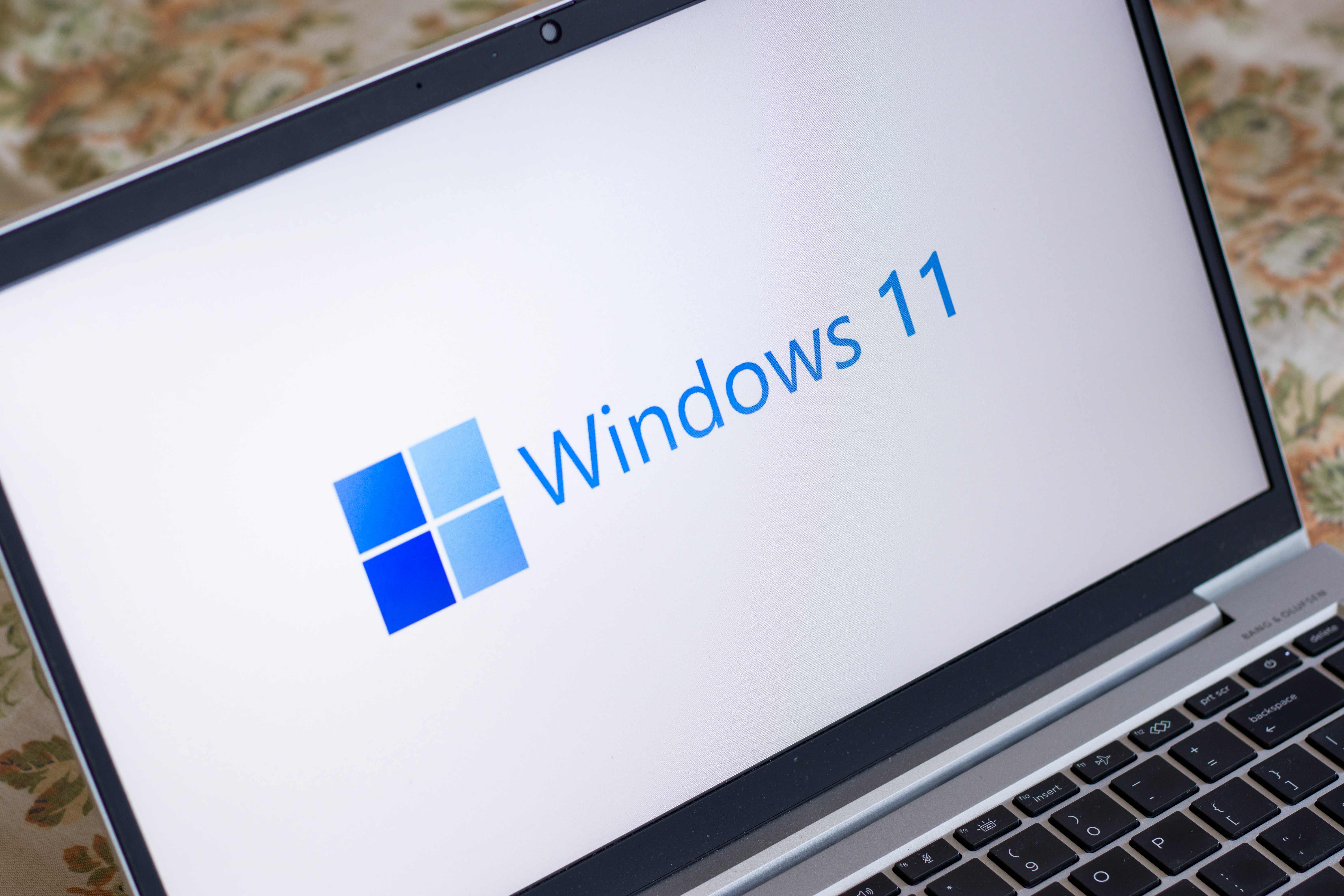 Luckily, most people will, if they have an eligible device, upgrade to Windows 11. The promise of new innovations with productivity, connectivity, and creativity is now a reality. For those who can't upgrade due to their device not having the right specs, and who don’t want to buy a new device, Windows 10 will be the right choice. Microsoft said it will continue to support Windows 10 until October 2025, and there will even be updates to it later this year.
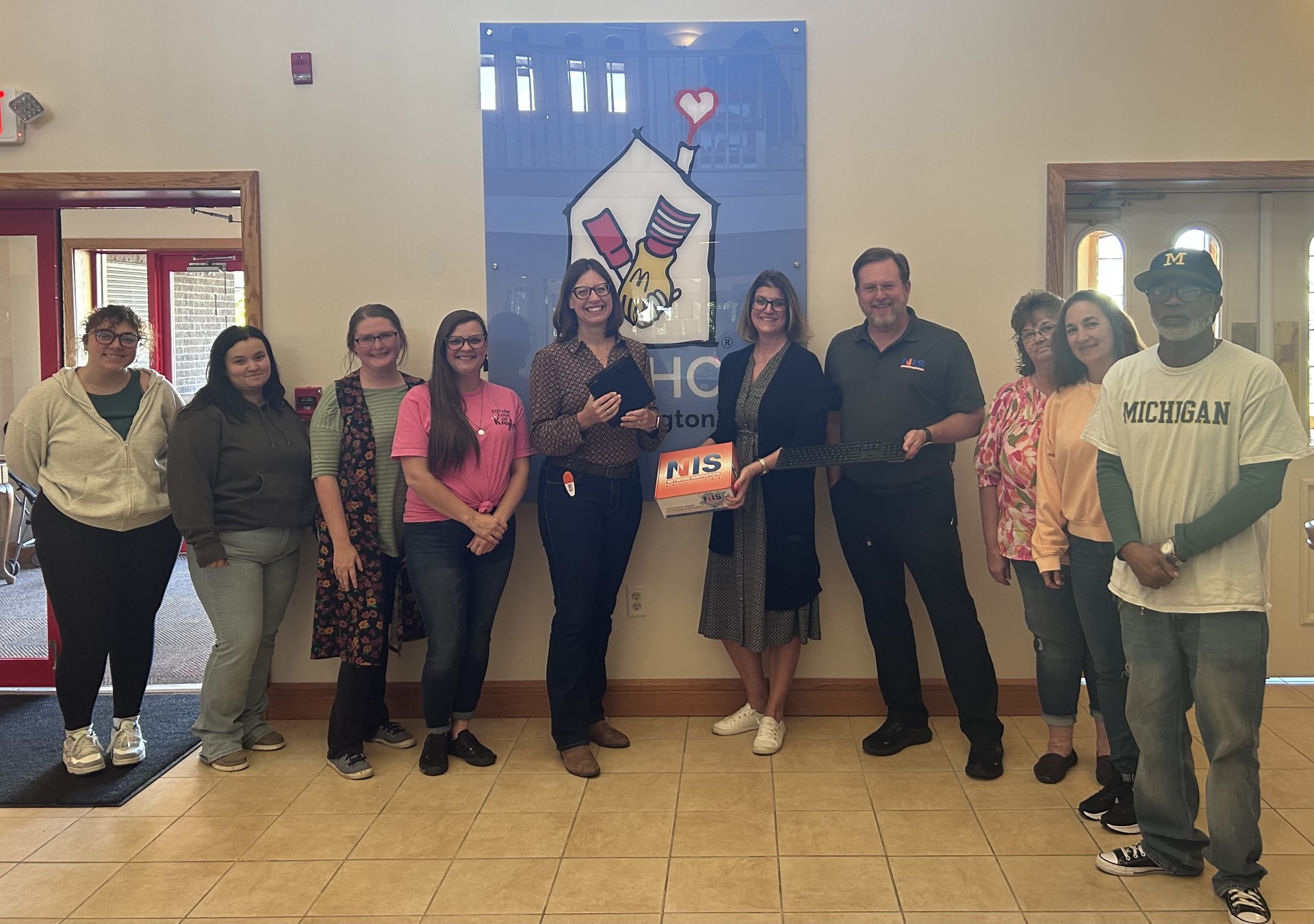 When RMHC® of Huntington needed a new computer for their volunteer office, NIS answered the call. As a small business, we understand that financial constraints can dictate and restrict purchases, even of items that are needed. That's why, when we first saw their request for donations to purchase a new computer for their volunteers to use, we knew we needed to help. This was a simple way we could give back to this organization that gives so much to our community. We are grateful for the needs that they meet and the care they provide, and are thankful that we could meet a need of theirs.